Mastery gauges for every lesson
See their mastery percentage change lesson by lesson over the past 7 days and from the start. Real progress, not a hunch.
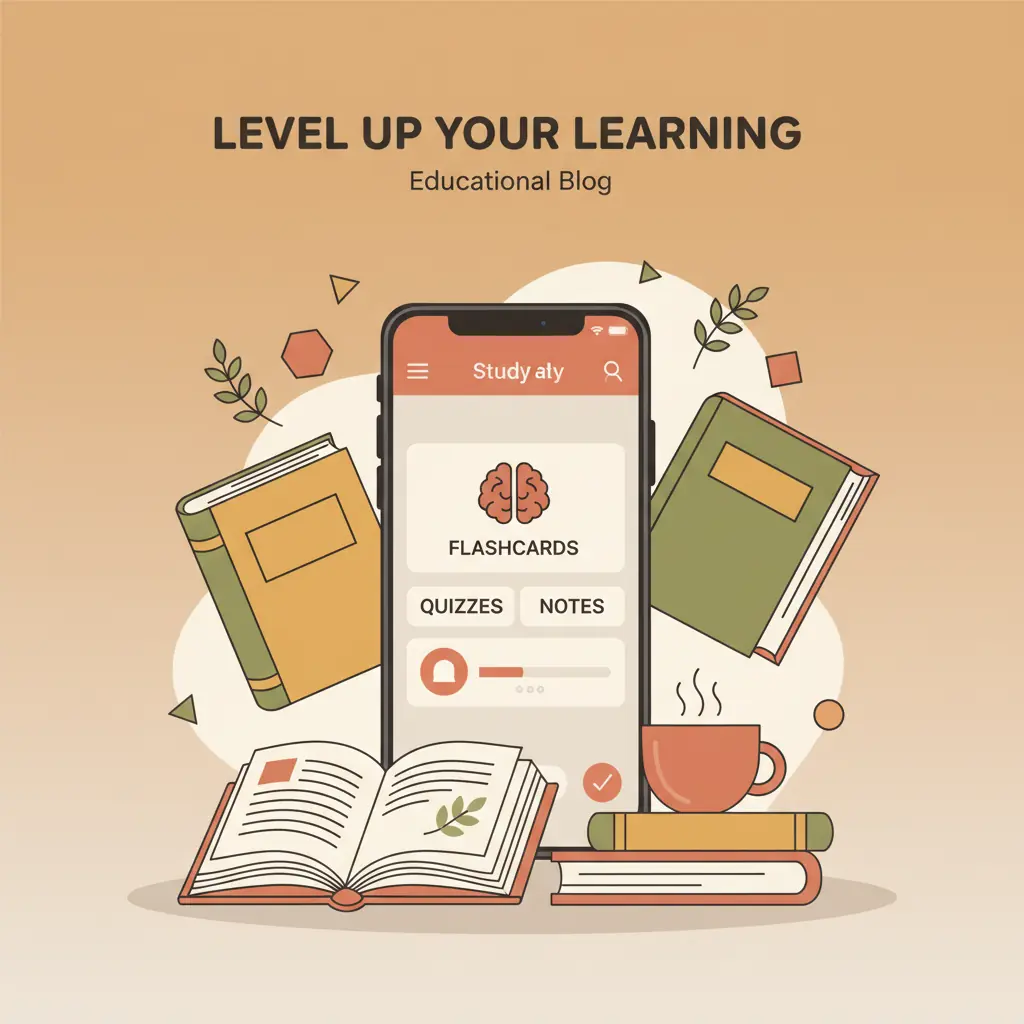
Your lesson becomes a quiz. You see how much you’ve mastered and know exactly what to review. Wizidoo is the AI study app for every student.


For students: how it works
Photo, gallery or PDF: send your lesson as it is, even handwritten. No lesson at hand? Give the topic and the AI writes a practice lesson. Everything is broken down into concepts.
Your lesson becomes a trail of steps in three tiers: fundamentals, key concepts, details. You never have to wonder where to start.
Every step starts with cards: you read, flip, and say whether you knew it. Your memory warms up before the questions.
Questions on the left, answers on the right: you link each concept to its definition. A quick move that checks you understood, not just read.
Questions generated from your lesson, with an explanation after every answer. What you miss comes back in the next steps until you master it.
Revisit the questions you struggled with. On iPhone, with notifications enabled, Wizidoo can remind you of one during a course’s first week.
Every right answer earns you feathers, and your day streak multiplies them. You spend them on games you already know, from hangman to crosswords, built from the ideas in your lesson.
A tier is a level of difficulty: fundamentals first, then key concepts, finally the details, the hardest to retain. A practice test closes every tier. Pass all three and your lesson is complete.
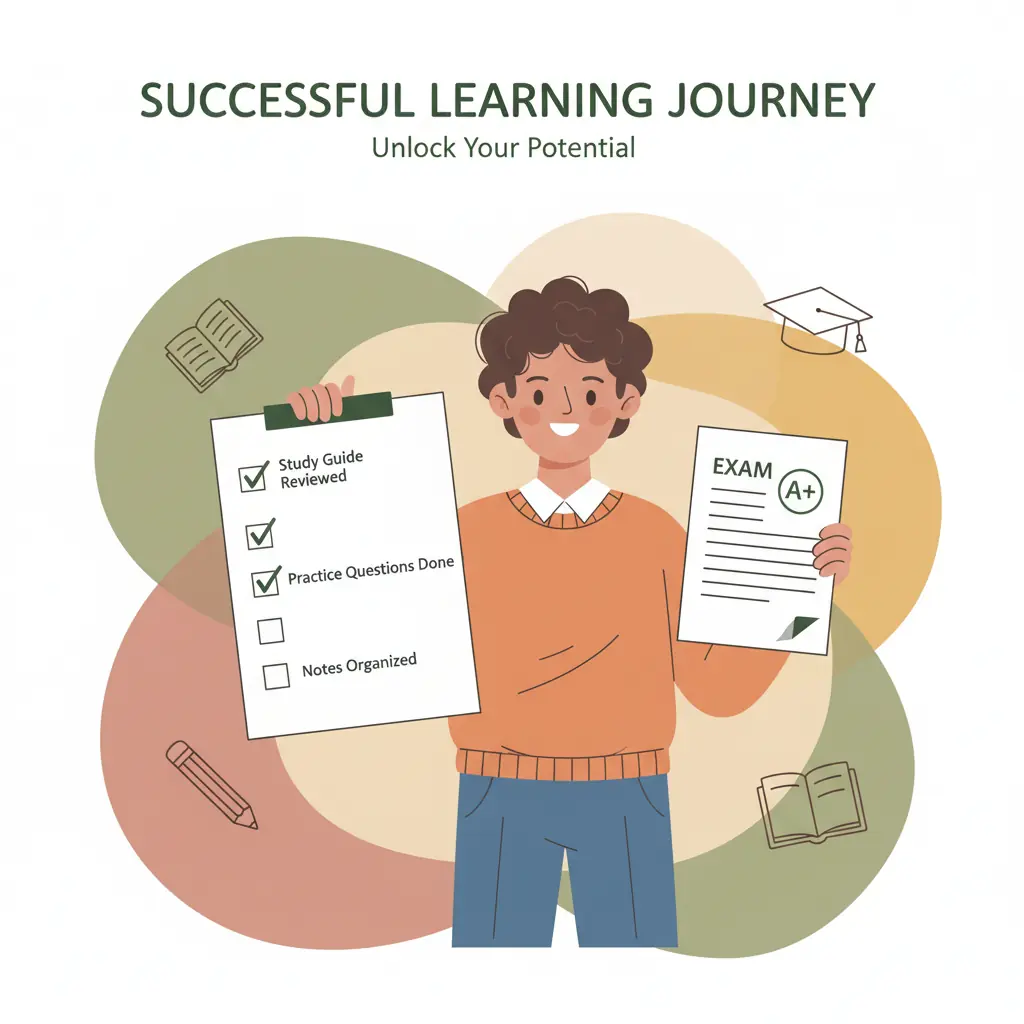
Less doubt, better grades. At every step, you know what is learned and what is left to master.
Every completed step raises your mastery. You know what is learned, what is still fragile, and what to review next.
For parents
Your parent area shows what they do in the app: what they have mastered, when they study and where they struggle. Nothing more, nothing less.
See their mastery percentage change lesson by lesson over the past 7 days and from the start. Real progress, not a hunch.
See every day they studied over the past 90 days at a glance. Know whether they are consistent without having to ask.
When a topic causes trouble, Wizidoo highlights it with a diagnosis and practical advice to help them move forward.
“My son used to panic and cram the night before. The app shows him where he stands throughout the week, so he opens his lessons without waiting. Last-minute cramming has disappeared.”
“We knew he was struggling but not exactly where. The app identified two specific concepts he had not understood for a while. Once he reviewed them, things clicked.”
“The night before a test used to be panic. He now watches his mastery percentage rise as he studies. On the day, he knows what he can rely on.”
We've collected the questions we get most often.
Take a photo of your notes or import them. Wizidoo turns them into a study path: short steps to play in order that make you recall the lesson from memory, fix your mistakes and check it sticks over time. You watch your mastery rise in real time.
Yes. Your first 3 lessons are free for life up to 100% mastery, no card needed. You play each full path: steps, catch-up, practice tests and infographic. The annual subscription then unlocks unlimited lessons.
Every level, from secondary school to higher education, competitive exams included. Any subject where you need to memorise and understand class material (biology, law, medicine, geography, economics…). Current users range from high school to medical and Master's studies.
One lesson, one path. Each step mixes cards to discover, pairs to match and questions, with recalls from earlier steps. A missed question comes back until you master it. A practice test closes each tier, and an infographic sums up the lesson at the end.
Every right answer earns you one feather, two once you get three in a row, three once you get five. At the end of a step, your day streak multiplies the total, up to five times. You spend your feathers in the game room: Guess the picture, Hangman, Definitions, Memory, Word search and Crossword, all built from the ideas in your lesson. Games unlock as you keep studying.
Photos (one or several), PDFs, or screenshots. If you do not have your notes with you, enter the topic and the AI writes a practice lesson. It can also read handwriting when the photo is well lit and the text is legible.
iPhone and iPad via the iOS app, and on the website from a browser on your computer, phone, or tablet. Your path follows you from one device to the next.
Yes. Wizidoo needs an internet connection to analyse your notes, generate the steps, and save your progress.
Yes. Questions and cards are generated from the lesson content, but the AI can still make a mistake.
Yes. Our AI providers process your notes only to provide the service. They are not used to train their models or published. You can delete your account and data at any time from the app.
Yes, the family pack is included in the annual Wizidoo Premium subscription. One parent subscribes, up to 3 children and 2 parents share it. Progress on the path, mastery per lesson, weak points, weekly reports. Pricing and details on the Pricing page.
In one tap from your App Store account settings. You keep access until the end of the paid period. No exit fees, no follow-ups.
Simple explanations of study methods, memorization and exam preparation.
Import your lessons and test yourself now. Your first 3 are free for life, no card required.
Try your first lesson