You pick up your phone to check the time and return ten minutes later without remembering the next step in the problem. Reducing that interruption doesn't require giving up every digital activity. It requires making the useful task easier to stay with and easier to resume.
Choose one study session to change. Trying to become a person who never gets distracted is a much less manageable target.
Find the moment you reach for the phone
Watch for the trigger during an ordinary session. Is it a notification, a difficult question, a pause while a file loads or waiting for someone to reply? A different trigger may need a different adjustment.
If you always leave when a problem becomes confusing, write down the missing step. Removing the phone won't supply the explanation. You may need a teacher's example before you can continue independently.
Keep this observation light. Constantly scoring your attention can become another distraction.
Decide whether the phone has a job in this session
If it isn't needed, put it somewhere you won't see or automatically reach for it. Use a clock or timer that doesn't require opening a feed. Tell anyone expecting a reply when you plan to check messages.
If the phone contains the class notes or study app, open the required material first. Pause notifications that can wait and check how urgent contacts can still reach you. Keep paper nearby for calculations and unrelated thoughts.
A school laptop may offer an easier setup for some tasks. The best arrangement is the one that preserves necessary access while reducing avoidable switching.
Give the task a visible endpoint
Write what you intend to produce: a corrected practice problem, a paragraph supported by evidence or an explanation of a diagram. A defined outcome makes it easier to notice whether the session is moving forward.
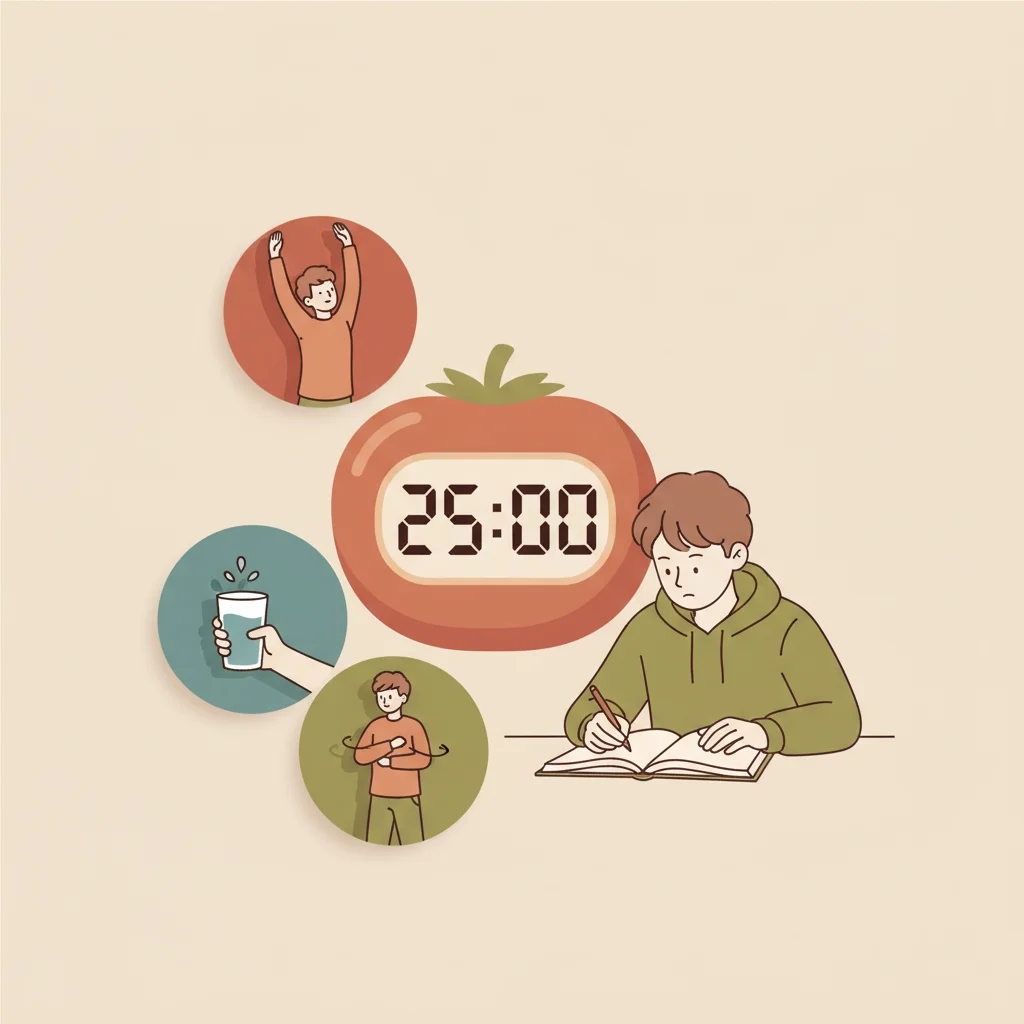
Add a time boundary if useful, but don't treat one timer length as mandatory. A reading task and a multi-step calculation may need different blocks. Plan a break that doesn't force you to interrupt a useful step for no reason.
For online research, write the question you need answered before searching. That gives you a reason to stop opening new links once the needed evidence is found.
Use a parking place for unrelated thoughts
When you remember something unrelated, write a few words on paper. Decide during the break whether it needs action. You don't need to open a shopping app or check a sports score at the instant the thought appears.
If a thought is genuinely urgent, handle it deliberately and leave a return marker. The goal isn't to pretend life stops during studying. It is to avoid repeatedly losing the task without choosing to leave it.
A useful marker names the next step: "Compare the two quotations" or "Convert minutes to seconds before calculating."
Return without restarting everything
After an interruption, read the marker and restate the question. Continue from the next useful step. Don't recopy the whole page or rebuild the schedule as a penalty.
If the same interruption returns, adjust the environment. Move the phone farther away, close an unnecessary tab or choose a different time to work. An app blocker can be an option if you want one, but check that it doesn't block a necessary school resource.
No setting guarantees concentration. Its value is in making your chosen task easier to carry out.
Keep study apps inside the same boundaries
Wizidoo can prepare questions from photos or a PDF of class material. Choose a small practice task, answer and inspect the correction, then stop at the agreed point. Having an educational app open doesn't make every other activity on the device part of studying.
The English web app allows you to use a browser when that is less distracting than a phone. The iPhone app currently remains French. Wizidoo doesn't monitor other apps or choose your overall screen schedule.
If parents are involved, discuss the arrangement openly. The AAP family media planning resources can support that conversation; a device counter alone cannot show whether homework was understood.
Check whether the change helped
After several sessions, compare the work completed and how easily you resumed after interruptions. Don't demand a perfect record. Keep the adjustment that helped and revise the one that didn't.
If difficulty concentrating is persistent across settings or comes with distress, seek appropriate support rather than diagnosing yourself from phone use. For a task that is mainly hard to start, our procrastination guide helps identify a first action.
Questions about phone distractions while studying
What if my class notes are on my phone?
Open the required notes before you begin, silence notifications that can wait, and keep paper nearby for calculations. You do not need to ban a device that holds the work.
Should I turn off every notification during homework?
Decide which messages can wait and how an urgent contact can still reach you. A focus setting is useful only if it fits your actual responsibilities.
Why do I check my phone whenever a problem gets hard?
The difficult step may be the trigger. Write down exactly what you cannot do, then seek a worked example or ask your teacher rather than treating the phone as the whole problem.
Is putting my phone in another room enough?
It may help when the phone is not needed for classwork. If the task is unclear or you need the device for notes, define the next step and adjust the setup instead.
How long should I study before checking messages?
Choose a stopping point that makes sense for the assignment, such as finishing and checking one problem. No single timer works for every reading or calculation task.
What can I do after I get pulled into a feed?
Read the return marker you left beside the assignment and resume from that step. You can change the setting for the next session without treating this one as lost.
Will an app blocker solve my concentration problem?
It can make an unwanted app harder to open, but it cannot explain a confusing lesson or choose your next task. Check that it leaves necessary school resources available.
Can I use a study app without opening other phone apps?
Set a small task inside the study app, finish it, and inspect your answers before switching. An educational app does not automatically limit the other apps on the device.
How do I tell whether my new phone setup is helping?
After a few sessions, compare the work you completed and how quickly you returned after interruptions. Adjust the setup based on that result rather than counting every glance at the screen.
When should I ask for more help with concentration?
If difficulty persists across settings or comes with distress, talk with an appropriate professional or your school's support service. Phone use alone cannot establish a diagnosis.