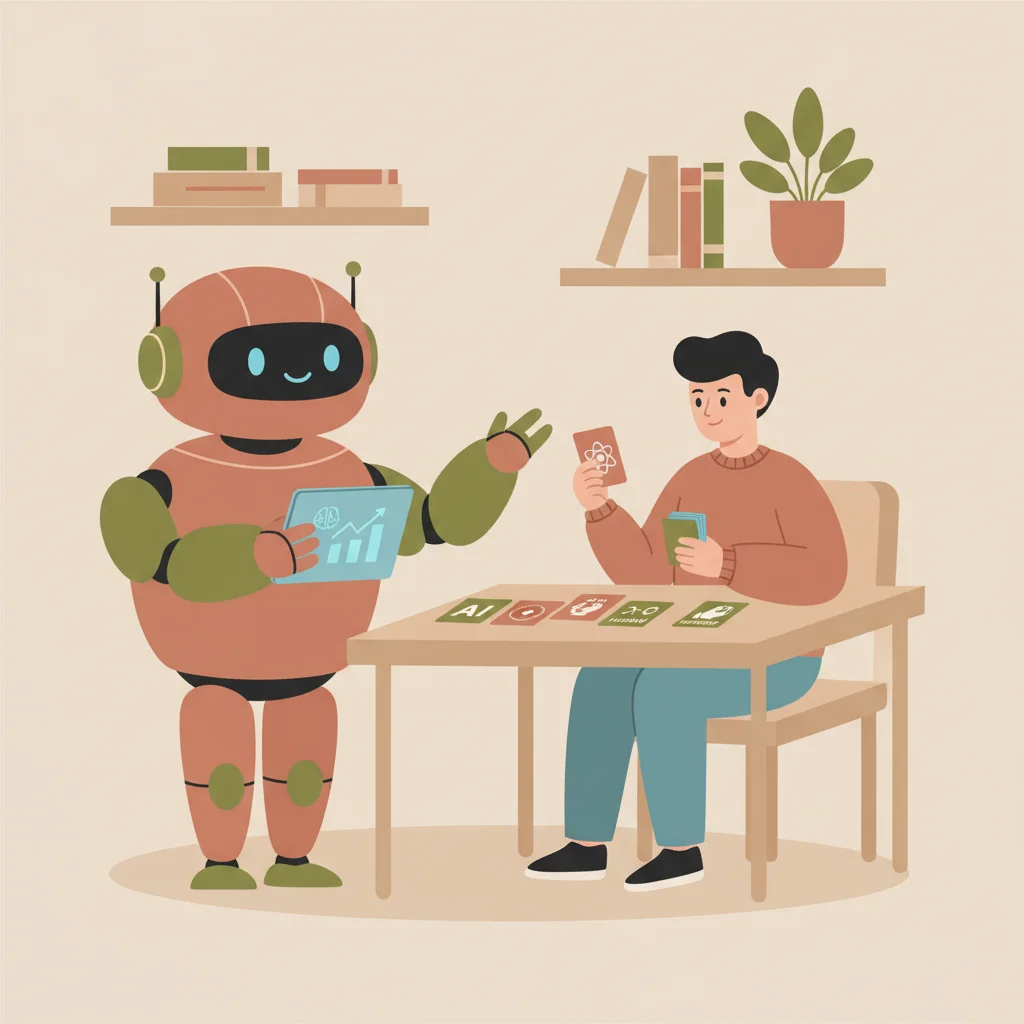
Your child says a teacher encouraged AI last week, but another assignment says no outside tools. Those instructions may not conflict. They can describe different activities with different learning goals.
For parents trying to understand AI in US schools, the useful question is specific: which tool, for which task, under which rules? A national headline doesn't tell you what is permitted in your child's classroom.
Start with the school and the assignment
Find the district or school guidance, then read the teacher's directions. Ask whether AI is prohibited, allowed for a defined stage or part of a teacher-led activity. Permission to brainstorm doesn't necessarily include generating a final answer.
Education in the United States is primarily a state and local responsibility, as the US Department of Education explains. That is one reason to verify the local arrangement rather than assuming a single classroom policy applies nationwide.
Keep any clarification with the assignment. A short written explanation helps both parent and student remember the boundary.
Separate a school service from a personal account
A tool available through a school-managed account may have different settings, features and administration from a personal consumer account. Ask the school how students access it and who to contact if it doesn't work.
Don't create a shared family or class account to bypass a restriction. Check age requirements and the school's process. An app-store age rating alone doesn't explain the service's account conditions or whether independent use is suitable for your child.
A product announcement also doesn't prove your child's school has enabled it. Ask what is actually available now.
Ask what the student is supposed to learn
A useful activity has a learning purpose you can describe. Is the child comparing explanations, checking a claim, practicing recall or examining the limits of generated text?
After the activity, ask for an example of something they can explain or do. A polished worksheet by itself doesn't establish learning, and a long chat transcript doesn't show that the student supplied the reasoning.
Keep the question open: "Show me how you used it and what you had to decide." That is more informative than starting with an accusation or assuming every AI use is beneficial.
Check what material leaves the classroom
School documents may contain names, grades or information about other students. Before uploading a file to a personal service, ask whether sharing is allowed and remove unnecessary information.
For a school-required tool, ask how accounts and data are managed and where families can read the relevant notice. Don't infer legal compliance simply because a product advertises itself as educational.
You don't need to solve every privacy question alone. The school's technology or administration contact should be able to explain its chosen arrangement or direct you to the right person.
Teach verification with a small example
Choose a claim in the output and open the cited source. Does the source exist, and does it support the statement? For a calculation, work through the steps independently. For a quotation, find it in the assigned text.
AI can misread uploaded material or introduce unsupported information. Supplying notes gives context; it doesn't make the response infallible.
If the student cannot assess the answer because the topic is entirely unfamiliar, bring the issue to the teacher rather than asking another model to settle it by confidence alone.
Keep school rules and home practice connected
Personal studying can still involve restrictions on material or tools. Ask if necessary. A resource that helps with recall may not be appropriate for a take-home test that requires independent work.
Cornell's academic-integrity guidance offers an example of making course expectations explicit. It is a university example, not the policy for every K–12 classroom.
The practical habit is to check the applicable instruction before using the tool, then document permitted assistance when required.
Where Wizidoo fits for families
Wizidoo prepares practice questions from photos or a PDF of class material. Its announced new course path includes steps and review of mistakes; check availability. It isn't an official national curriculum, a school-endorsed service by default or an error-free source.
The parent experience concerns practice inside the app. Available difficulties and advice can help you choose a point to discuss, but they don't prove every school assignment is done. English-speaking families can use the English web parent page; iPhone currently remains French.
A short list for the next teacher conversation
Ask which use is allowed, which account should be used, what may be uploaded and what independent work is expected afterward. Add how permitted help should be acknowledged.
Those answers are more useful than a general claim that AI is either banned everywhere or replacing teachers. They let you support the actual activity your child has been assigned.
Questions students and families ask
Why might instructions from different teachers about using artificial intelligence tools seem to conflict?
Different assignments often describe distinct activities with specific learning goals, such as brainstorming versus generating final answers.
What initial steps should parents take when reviewing school guidance regarding AI usage?
Parents should first find the district or school guidance, read the specific teacher directions, and check if AI is allowed for a defined stage.
How do school-managed accounts differ from personal consumer accounts when students use educational tools?
A tool accessed through a school-managed account may feature different administrative settings, privacy controls, and support options.
Why is it important to ask about the specific learning purpose behind an assigned AI activity?
A useful activity focuses on clear skills like comparing explanations, checking claims, or examining generated text limits rather than just getting a polished product.
What privacy precautions should families take before uploading documents to a personal service?
Families should check if sharing school documents containing names or grades is allowed and remove unnecessary personal information beforehand.
How can students effectively practice verification skills when reviewing AI-generated outputs?
Students can open cited sources to check if they exist and support the statement, work through calculations independently, or locate quotations in assigned texts.
Can resources that help with general recall always be used for take-home tests requiring independent work?
Not necessarily, as personal studying tools may still involve strict restrictions on permitted material depending on academic integrity guidelines.
What can families check about Wizidoo before using it at home?
Wizidoo prepares questions from photos or PDFs of class material. Check the school’s upload rules and the answers against the source; the announced course path is subject to availability.
Is Wizidoo classified as an official national curriculum or an error-free educational standard?
No, Wizidoo is not an official national curriculum, a default school-endorsed service, or guaranteed to be entirely error-free.
What practical questions should parents ask during their next conversation with a teacher?
Parents should ask which specific AI uses are permitted, what accounts to use, what materials may be uploaded, and what independent work is expected.